01
Select the relationship type
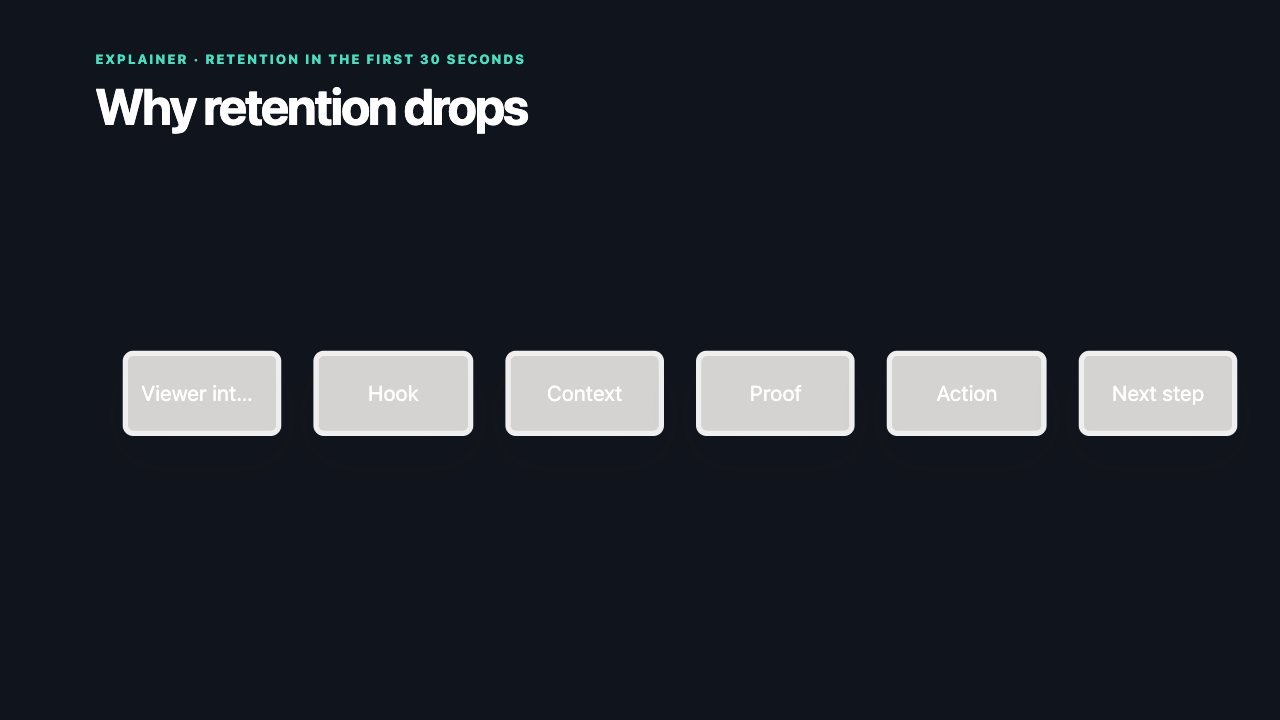
Use a flowchart for decisions, a timeline for sequence, a mind map for idea structure, swimlanes for responsibility, and an org tree for hierarchy.
02
Reveal one relationship at a time
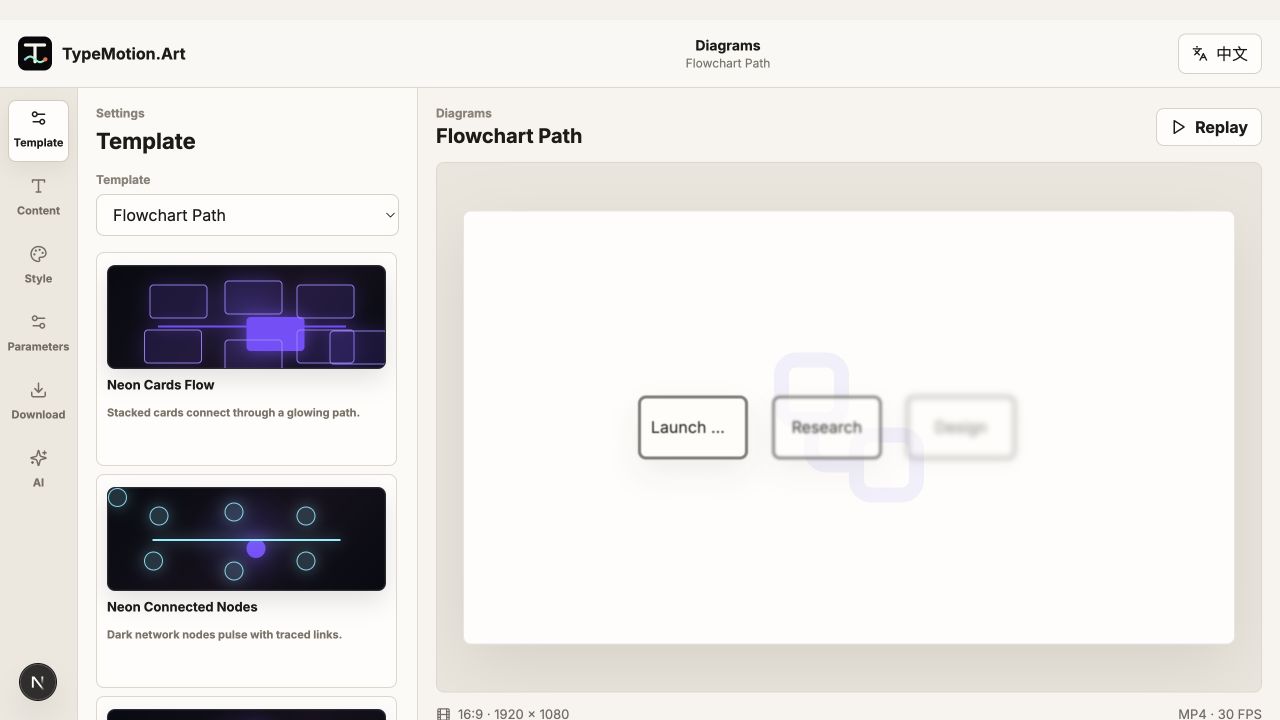
Animate nodes in the order they should be understood and draw connectors immediately after their source appears. Avoid showing motion in unrelated branches at the same time.
03
End on the complete system
After the sequence, hold the complete diagram. The final frame lets viewers consolidate the relationships and also works as a useful still image.