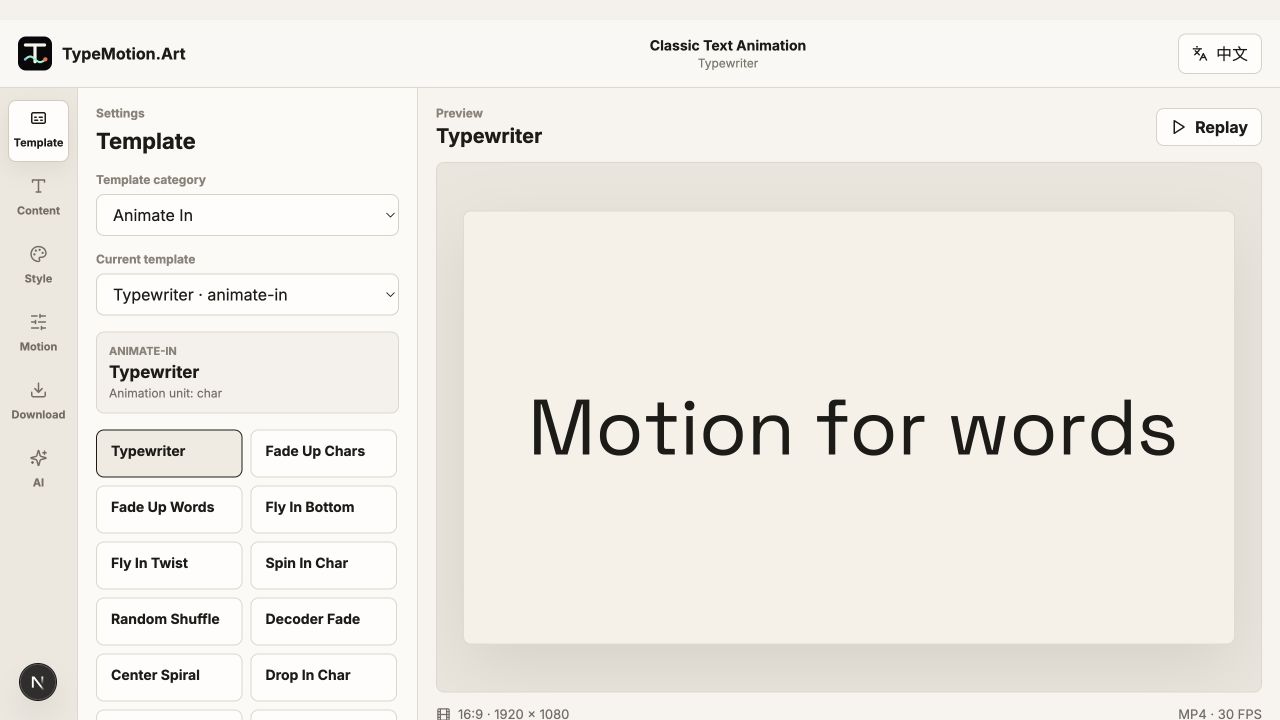
Guide · actual product UIHow to Animate Text Online
A practical workflow for making readable, polished text animation in the browser.
 TypeMotion.Art
Learn how to animate text, titles, maps, charts, and diagrams, then open the template used in each guide.
A practical workflow for making readable, polished text animation in the browser.
Plan, animate, and export kinetic typography that follows meaning instead of adding random motion.
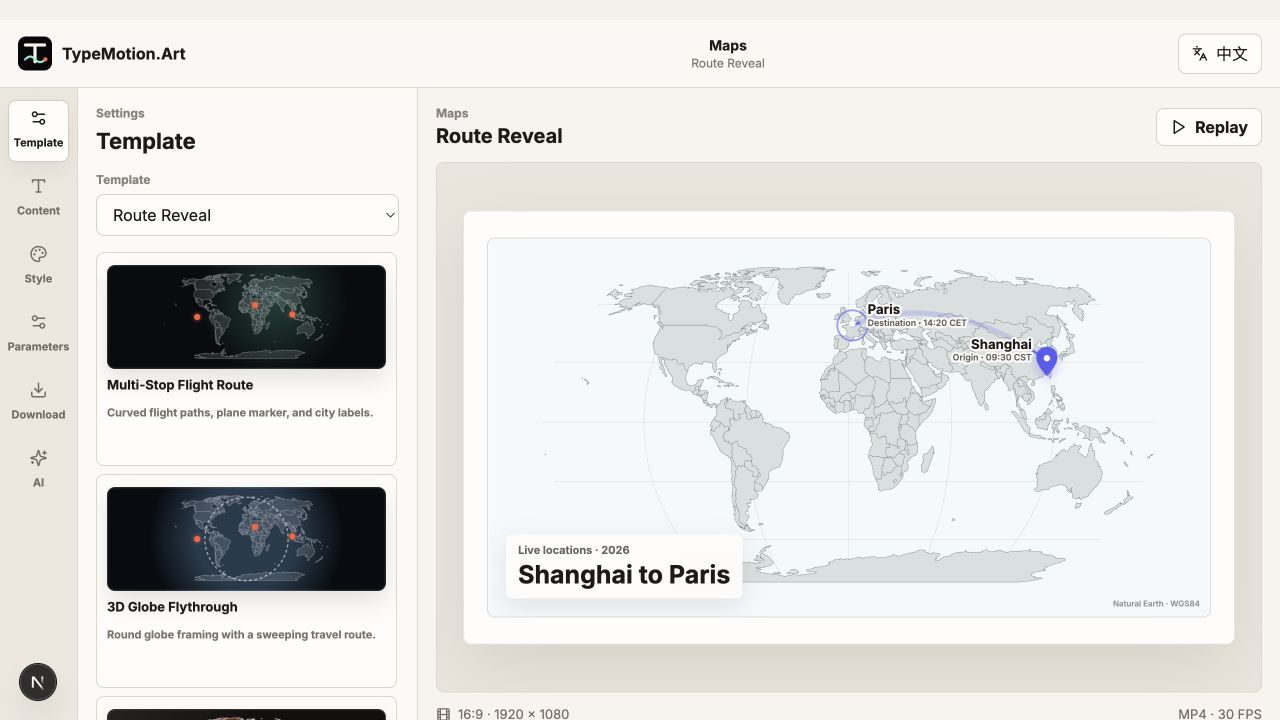
Make an animated route map with a clear start, end, and only the stops the story needs. Edit the places in the browser and export the route.
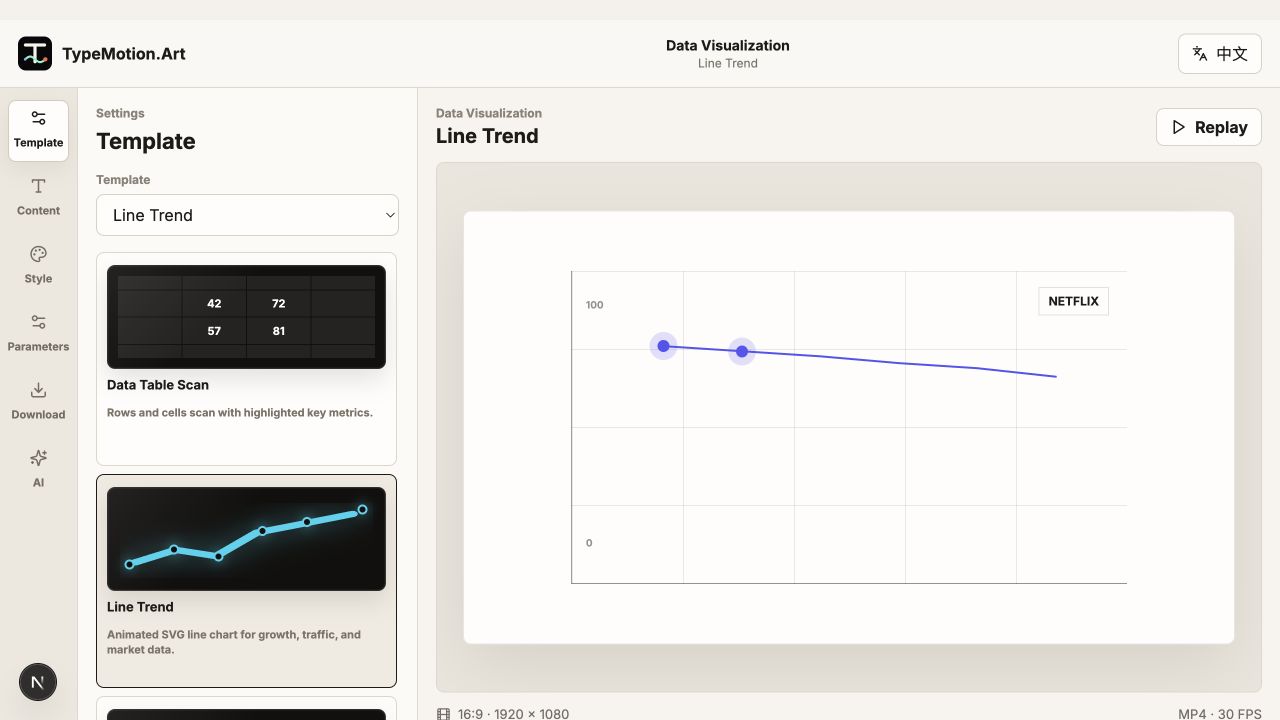
Choose the right chart and animate data in the order your audience should understand it.
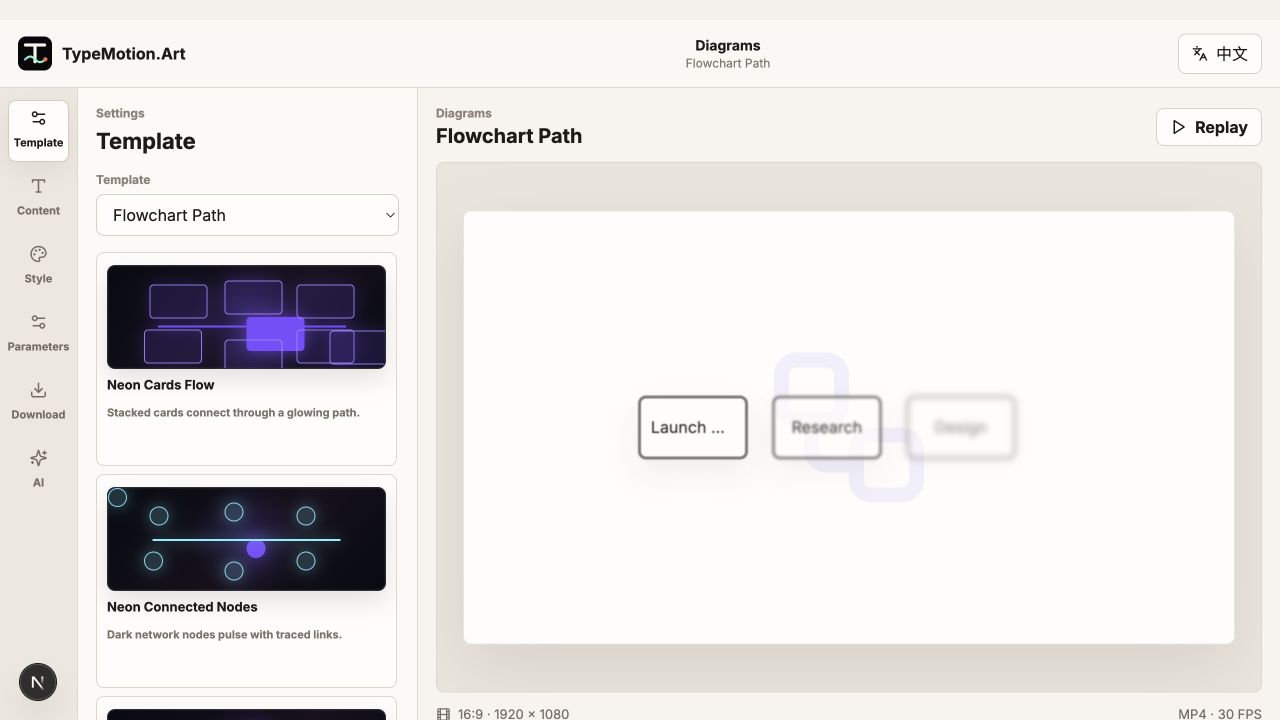
Turn a static process, timeline, or hierarchy into an animation that reveals relationships clearly.
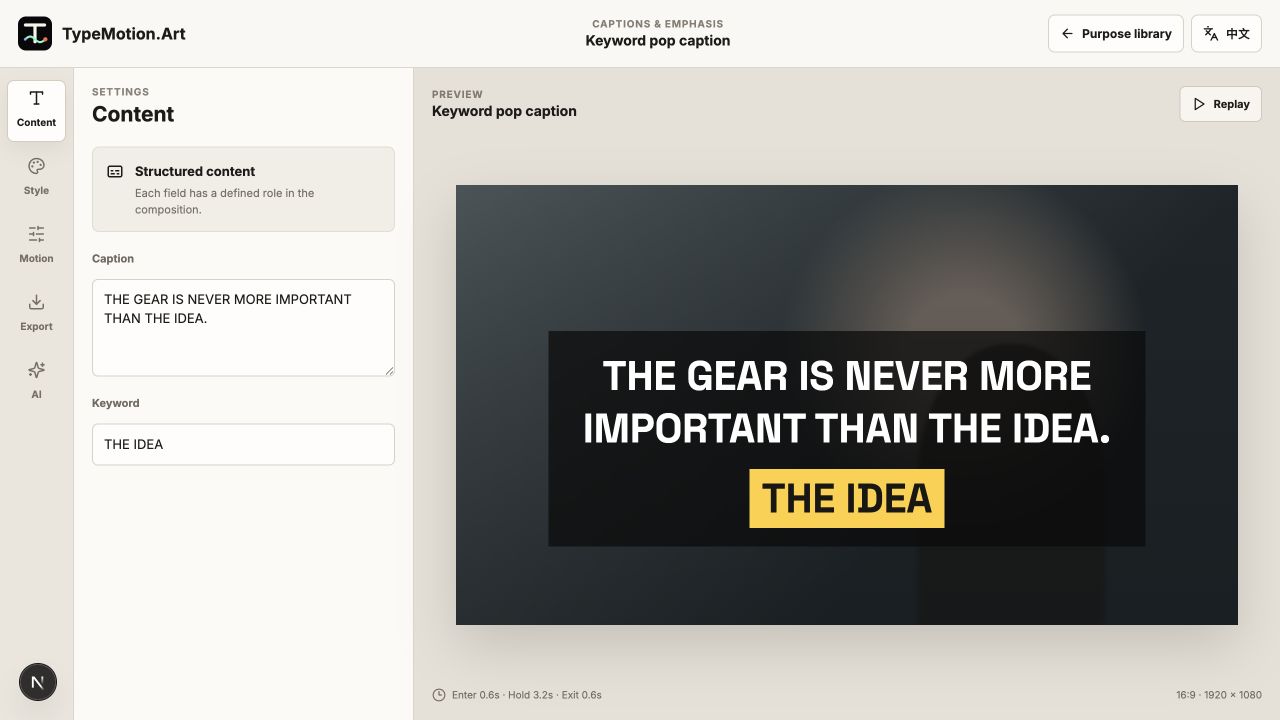
Make a lower third with a name and one supporting line. Preview the entrance and hold in the browser, then export it for the edit.
Keep titles, captions, and lower thirds readable across players, mobile interfaces, and cropped layouts.
Choose landscape, vertical, square, or social video dimensions based on where and how people will watch.
Build a bar chart race from a short ranking. Enter categories and dates, keep the labels readable, and open the bar chart race maker to export it.
Make kinetic typography in the browser when you do not want an After Effects project. Start from a template, replace the words, and export.
Looking for a TypeMotion plugin? Compare Colden's separate Adobe product, the TypeMotion.Art After Effects beta, and the browser studio.
Choose a data visualization template for a trend, a ranking, a flow, or a single number, then animate that comparison in the browser.