01
Protect the outer edges
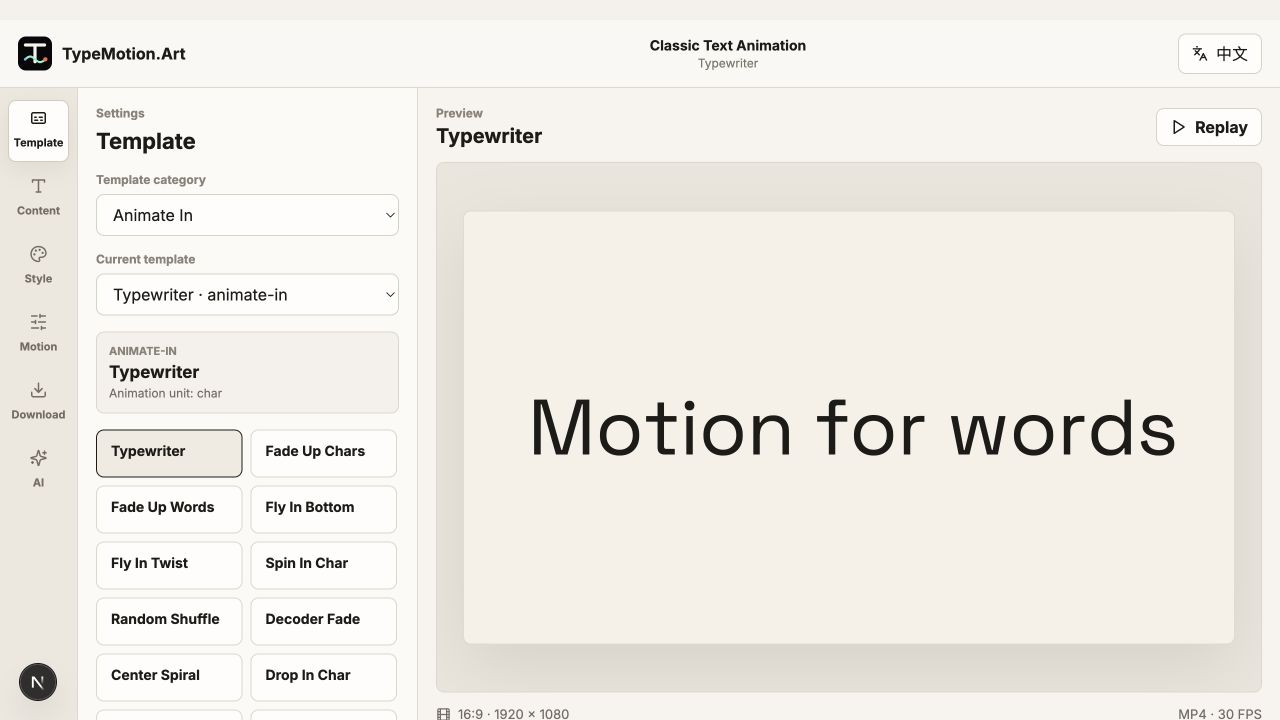
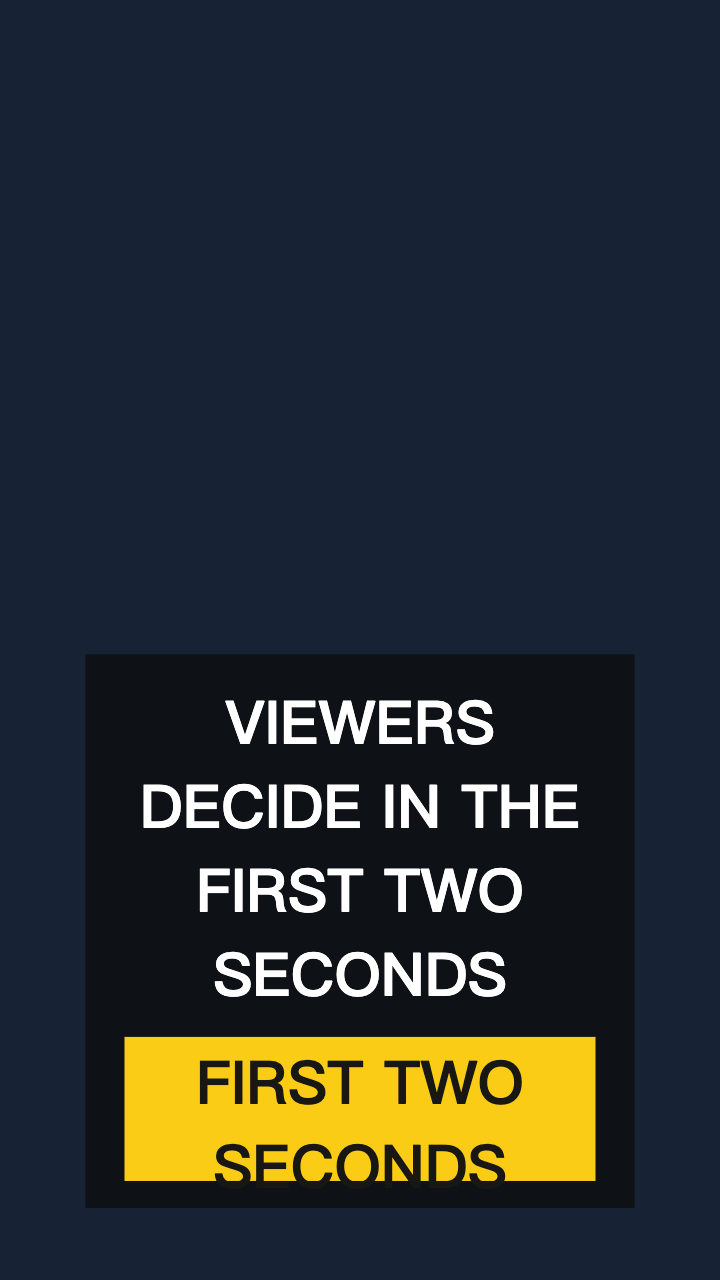
Keep essential text and logos away from the frame edge. Social apps overlay controls, captions, profile information, and calls to action in these regions.
02
Test at the final viewing size
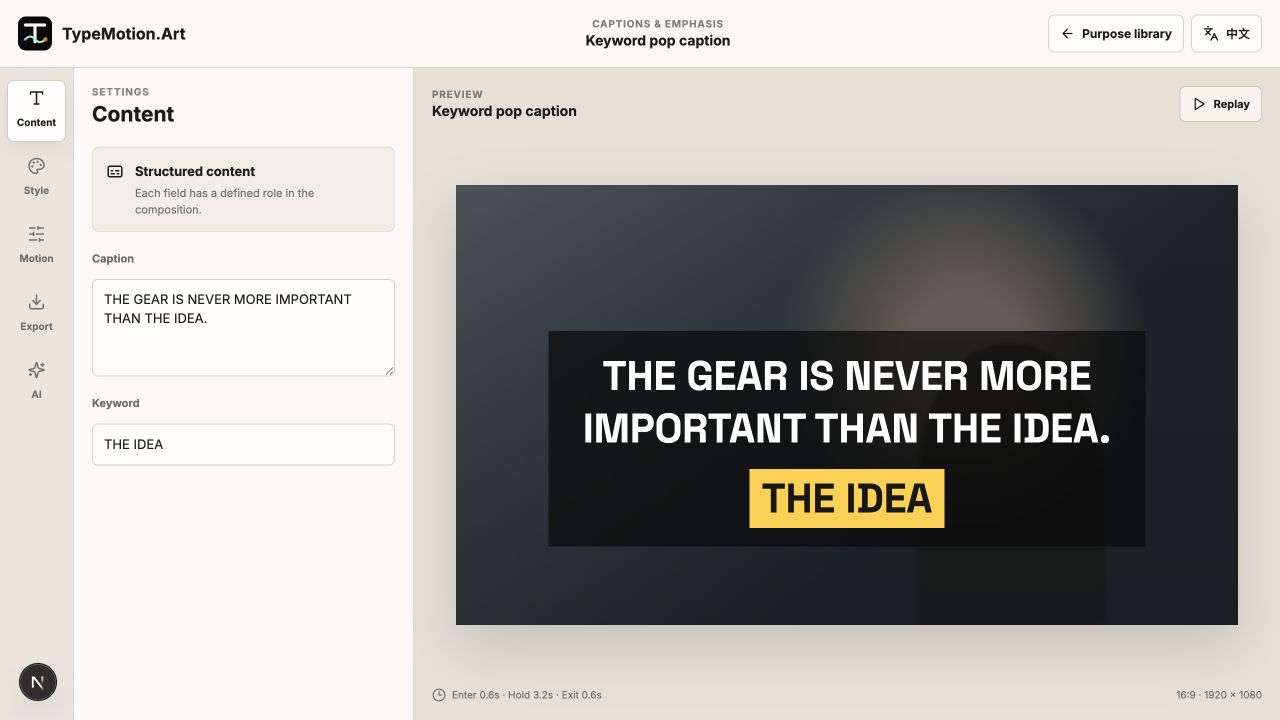
A title that looks comfortable on a desktop canvas may be too small on a phone. Preview the export at actual size and check contrast against the busiest frame.
03
Treat each aspect ratio as a layout
Do not simply crop a 16:9 composition into 9:16. Reposition text, shorten line lengths, and verify that captions do not collide with platform interface elements.