
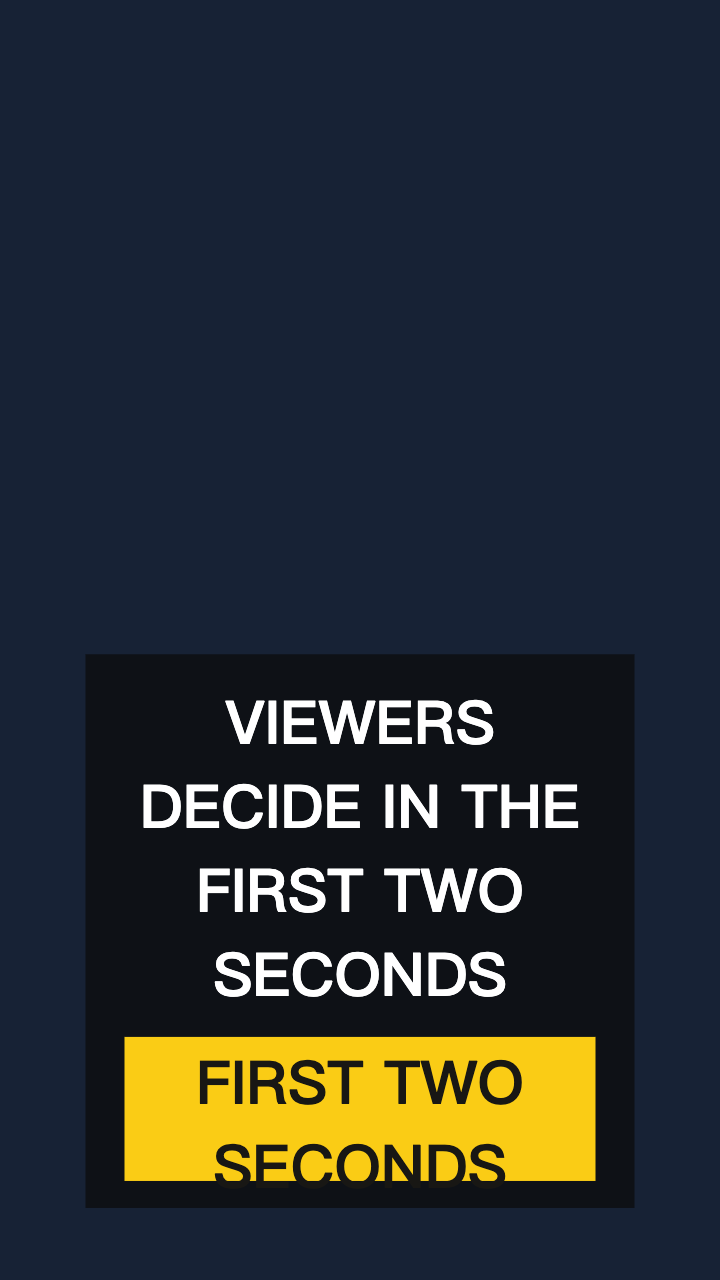
A real 9:16 export with one meaningful phrase emphasized for phone viewing.
Use case · real output
Animated Captions for Social Media
Create readable, attention-holding captions for reels, shorts, and vertical social videos.
Built for Short-form creators, social teams, and talking-head editors.Real MP4 exportA vertical talking-head caption9:16 · 24 FPS · Built in TypeMotion.Art
Open the real editorThe actual brief
The content behind this export
This is the exact copy, format, and production choice used to generate the MP4 above—not placeholder text.
pop motion · bold typography
Workflow
A production plan tied to this deliverable
- 01
Pick a caption style for the speaking pace.
- 02
Emphasize only the words that carry meaning.
- 03
Preview at phone size and keep text inside the safe area.
Recommended tools
Build the complete graphics system
ToolVideo Motion Graphics Templates
Ready-to-use openers, captions, lower thirds, data callouts, promos, and end cards organized by video purpose.
ToolKinetic Typography TemplatesKinetic typography templates for stretch, glide, glitch, scramble, and scrolling text. Replace the words and preview the motion in the browser.
ToolText Animation Templates: Typewriter, Fade & BlurBrowse text animation templates for typewriter, fade, blur, and decoding effects. Edit the words, colors, and timing in the browser, then preview the result.
Start from a template
Templates that support this production
Open the actual SaaS workspace to customize the content, style, motion, and export settings.
Video CreatorKeyword Pop Caption
Emphasize a key phrase in an animated caption. Customize caption text, highlighted words, timing, and video size with Keyword Pop Caption.
Video CreatorWord By Word CaptionCreate a word-by-word animated caption for short video phrases. Edit the text and timing in the browser, then preview the sentence before exporting.
Video CreatorBoxed SubtitleHigh-contrast stacked lines remain readable over busy footage. Edit Line one, Line two and preview the motion in your browser.
Kinetic TextBold Text SnapBold Text Snap is a customizable kinetic text template. Edit the text, colors, motion, size, and export settings directly in your browser.
Output and workspace
The real exported frame and the real editor
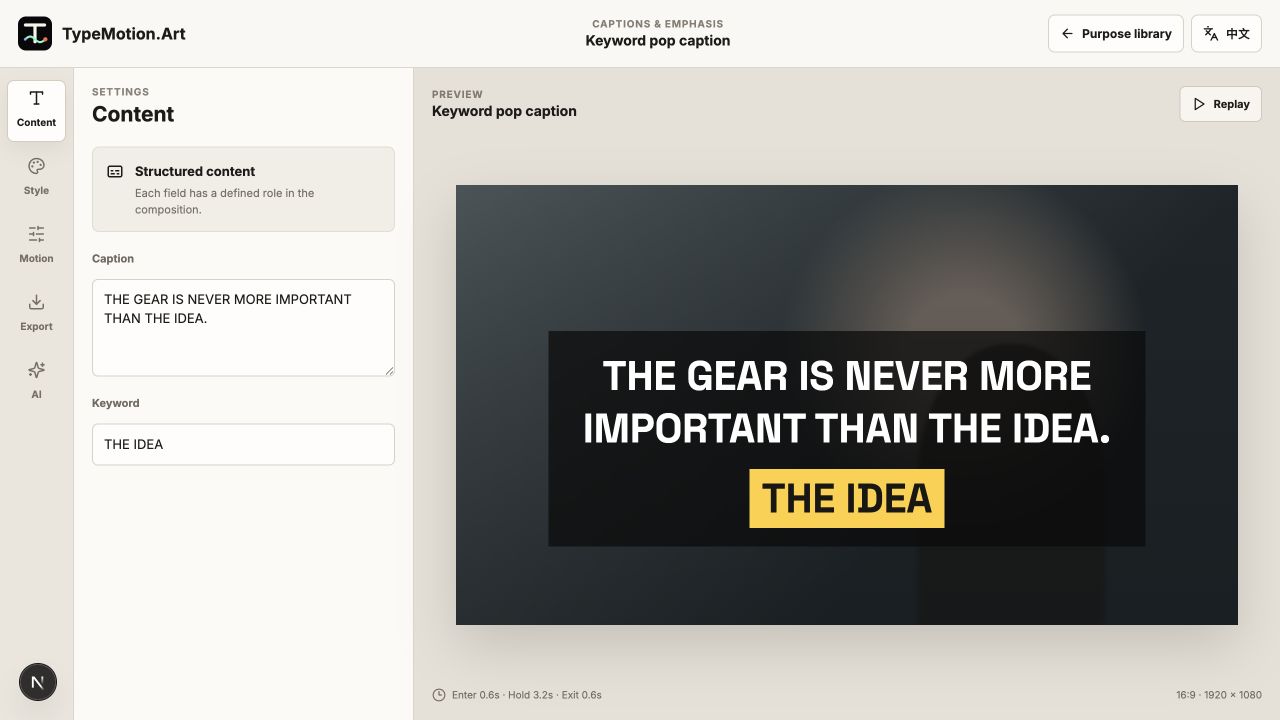
The left image is rendered from the project above. The right image is an unaltered screenshot of the current TypeMotion.Art workspace.
Learn
Guides for this workflow
GuideHow to Animate Text Online
A practical workflow for making readable, polished text animation in the browser.
GuideVideo Title Safe Area GuideKeep titles, captions, and lower thirds readable across players, mobile interfaces, and cropped layouts.
Guide16:9 vs 9:16 Video SizeChoose landscape, vertical, square, or social video dimensions based on where and how people will watch.