Split Title Titles Template
Create a two-part animated title with the Split Title template. Customize the headline, supporting text, colors, and layout for video openers.
 TypeMotion.Art
When to choose Split Title
An opener with a main subject and a short supporting line. Splitting the title creates hierarchy without requiring an extended sentence.
A starting example
Use FIELD NOTES as the main subject and A NEW PERSPECTIVE as the supporting idea. The subject should remain recognizable when the frame is viewed at phone size.
How to customize Split Title
- 01
Open Split Title and replace the sample title with two concise parts.
- 02
Choose typography and colors that distinguish the main phrase from the supporting line.
- 03
Preview both parts through the entrance and finished state, then check the chosen aspect ratio before exporting.
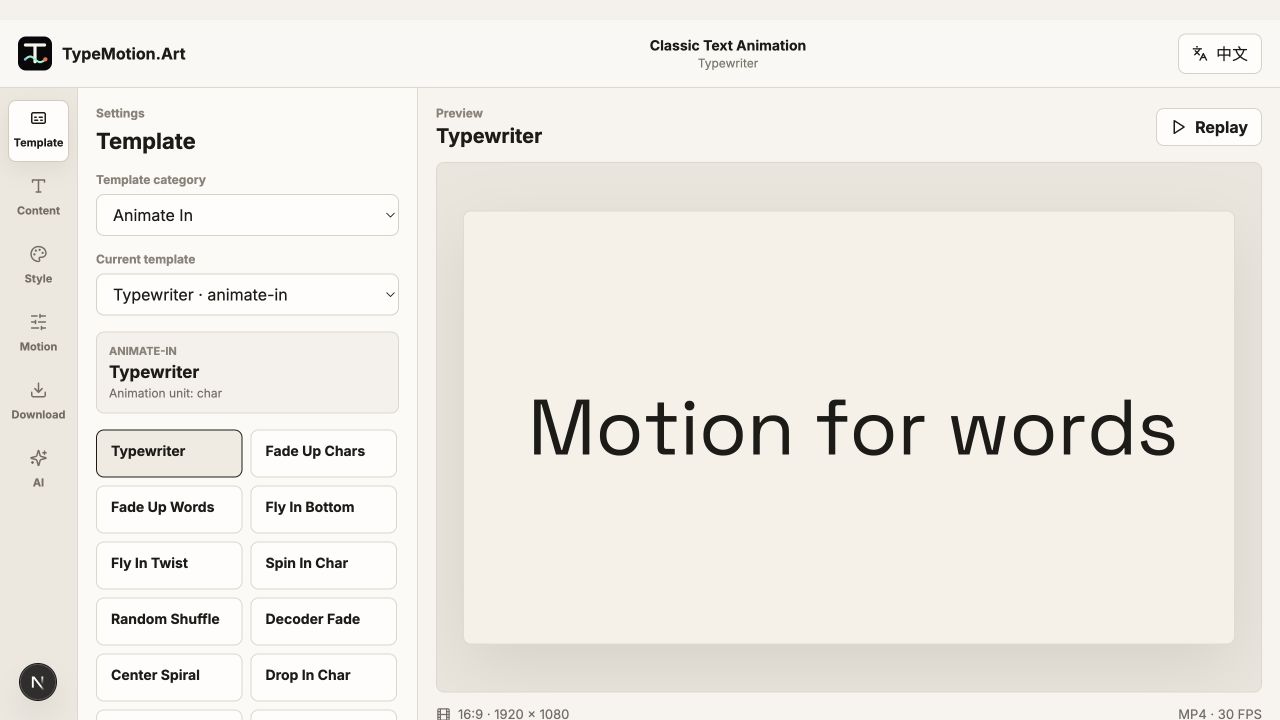
Recommended use cases
Build a clear, branded YouTube intro with animated titles and kinetic typography.
Use casePodcast Quote Video MakerTurn a strong podcast idea into a shareable animated quote clip.
Use caseProduct Promo Video MakerPresent product benefits, prices, promotions, and calls to action with clear motion hierarchy.
Use caseOnline Course Video GraphicsCreate chapters, speaker IDs, captions, diagrams, and summaries for clear instructional videos.
Related guides
Make a lower third with a name and one supporting line. Preview the entrance and hold in the browser, then export it for the edit.
GuideVideo Title Safe Area GuideKeep titles, captions, and lower thirds readable across players, mobile interfaces, and cropped layouts.
More Titles templates
Minimal Lower Third is a customizable titles template. Edit the text, colors, motion, size, and export settings directly in your browser.
TitlesBold StampBold Stamp is a customizable titles template. Edit the text, colors, motion, size, and export settings directly in your browser.
TitlesKinetic StackKinetic Stack is a customizable titles template. Edit the text, colors, motion, size, and export settings directly in your browser.
Preview and customize in the browser. HD downloads require a Pro subscription. See plans.