01
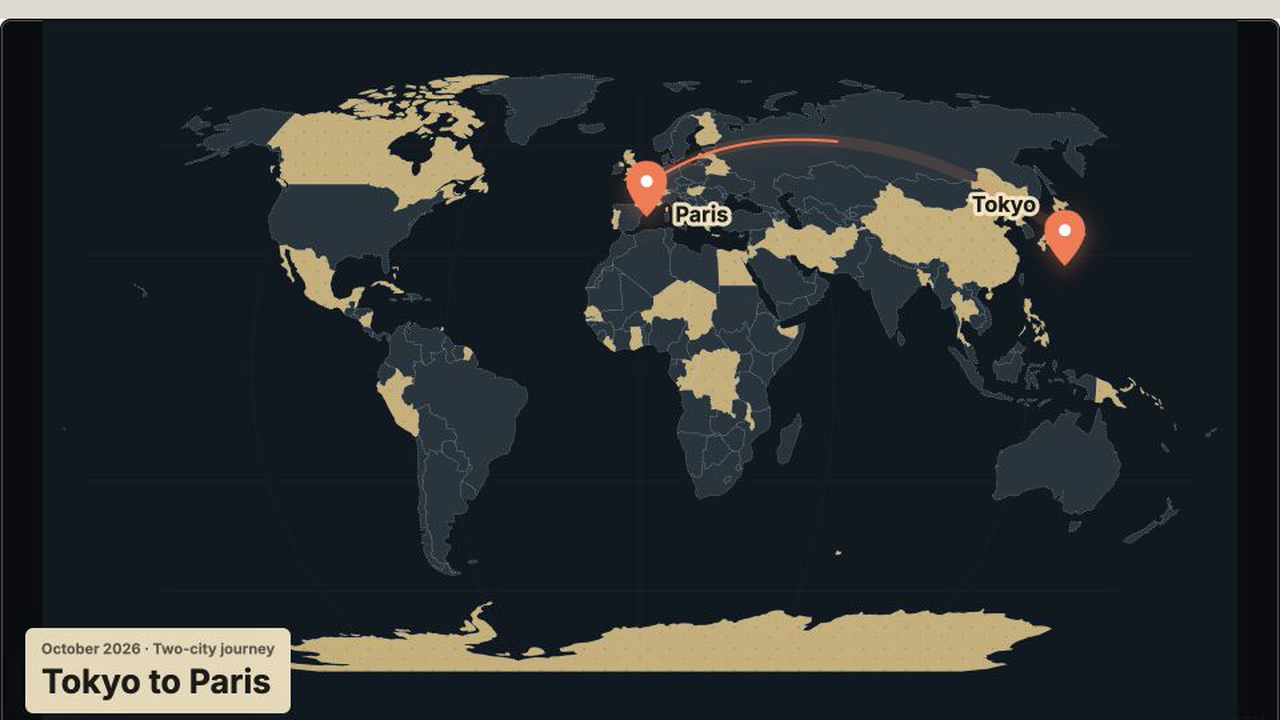
Define the geographic story
List the start, end, and only the intermediate stops needed for the story. A clean two-point route is often stronger than a map crowded with every location.
02
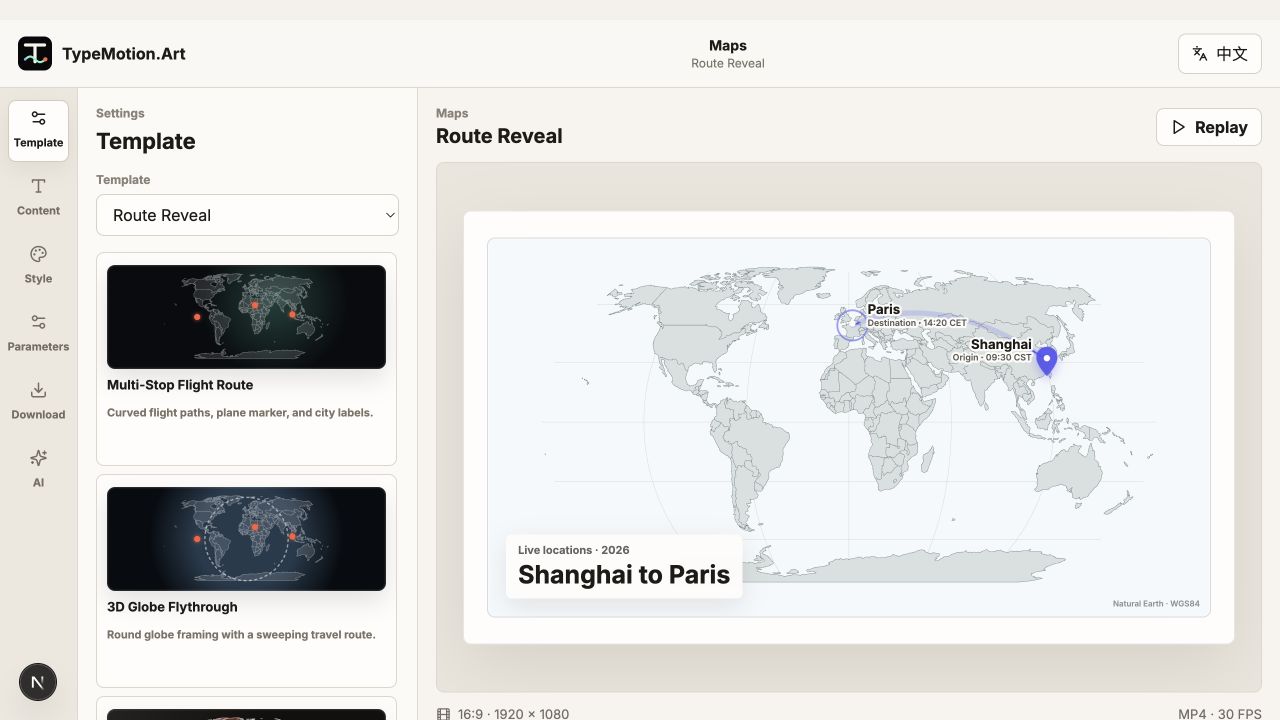
Match camera movement to distance
Use a stable map for local routes and a globe or zoom tour for long-distance travel. Reveal labels shortly before or as the route reaches each place.
03
Add context outside the map
Pair the route with a place-and-time tag, title, or short caption. Keep these elements visually separate from map labels so viewers can distinguish story context from geography.