
TypeMotion.Art
Guide · real product workflow

How to Make a Bar Chart Race

Build a bar chart race from a short ranking. Enter categories and dates, keep the labels readable, and open the bar chart race maker to export it.

Open Animated Chart Templates

Race four regions across three years

Open the template for this walkthrough
  1. 01

    Open the bar chart race and enter North, South, East, and West.

  2. 02

    Give each name three values, such as North 20 / 40 / 70 and West 10 / 25 / 80, so one name can change rank.

  3. 03

    Label the dates Year 1, Year 2, and Year 3. Preview until West’s climb is obvious.

  4. 04

    Export and pause on the last date. The leader and the unit should still be readable without the motion.

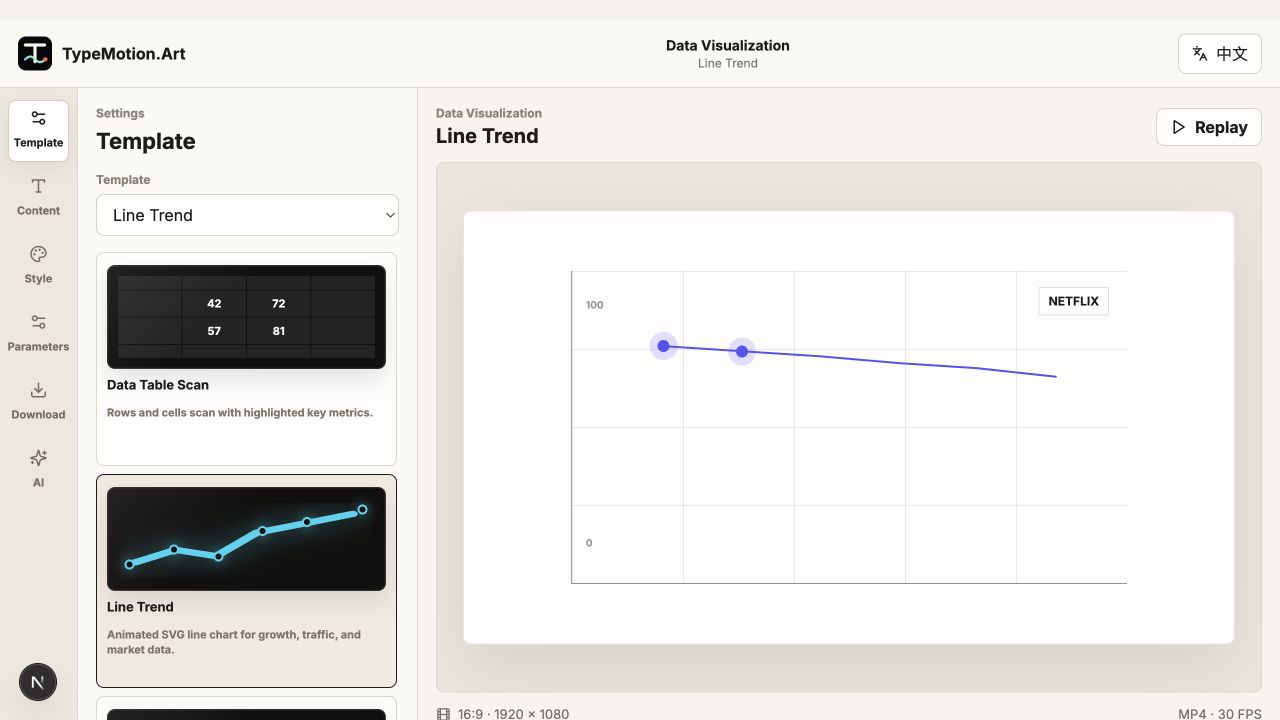
Data Visualization workspace reference
Actual product UIEditor workspace referenceWorkspace overview; controls and preview vary with the selected template.
01

Use a bar race only when rank changes

A bar chart race is a ranking played over time. If every bar keeps the same order, a normal bar chart is clearer. If you have one number, use a counter. If you have a trend for a single series, use a line.

02

Worked ranking: four names, three dates

Try North 20 / 40 / 70, South 50 / 45 / 60, East 30 / 55 / 50, and West 10 / 25 / 80 across Year 1, Year 2, and Year 3. West should climb from last to first. If you cannot see that climb, remove a category or slow the race before you add color.

03

Leave time to read each pass

The viewer has to track which bar moved. Hold long enough at each date for the longest name to be read once. Abbreviate names that collide with the bar, and keep the unit in the title rather than on every row.

Questions

How do I make a bar chart race online?

Open the bar chart race template, enter a few categories and at least three dates, then preview the reorder. Export after the leader change is easy to see.

How many bars should a race include?

Four or five labeled bars are easier to follow than a long top-ten. Cut the list to the names the viewer must remember.

Is a bar chart race the same as a bar chart?

No. A bar chart is one comparison. A race is that comparison repeated over time so positions can change.

Try it

Templates used in this guide

Each link opens the working SaaS editor rather than a decorative demo card.

Apply the workflow

Related use cases

Keep reading

Related guides