
TypeMotion.Art
Guide · real product workflow

Data Visualization Templates

Choose a data visualization template for a trend, a ranking, a flow, or a single number, then animate that comparison in the browser.

Open Animated Chart Templates
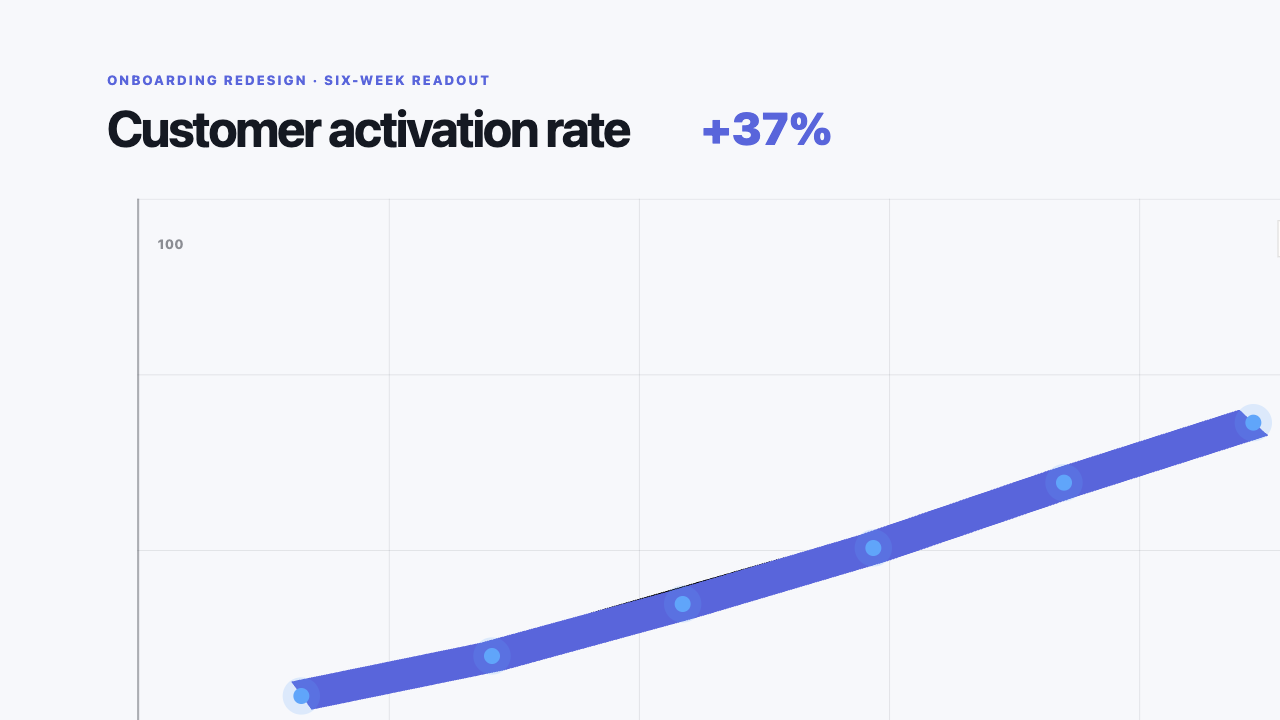
Real MP4 exportA six-week activation trend16:9 · 24 FPS · Built in TypeMotion.Art
Open the real editor

Choose a line for a four-month trend

Open the template for this walkthrough
  1. 01

    Decide the comparison first. This walkthrough is a trend, so open Line Trend rather than the bar race.

  2. 02

    Enter January 20, February 32, March 28, and April 45 and name the unit.

  3. 03

    Preview the line from the first point to the last and check the labels.

  4. 04

    If the story is a ranking instead, switch to the bar chart race maker before you decorate this line.

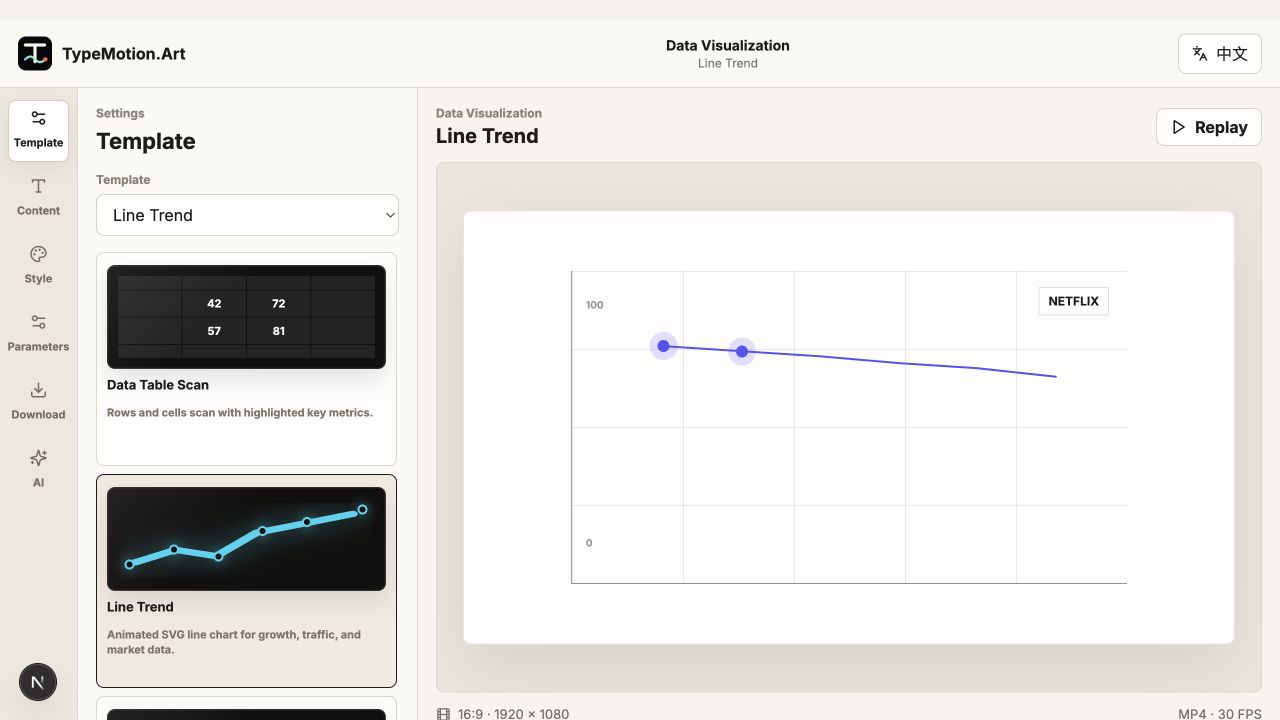
Data Visualization workspace reference
Actual product UIEditor workspace referenceWorkspace overview; controls and preview vary with the selected template.
01

Match the template to the comparison

Use a line for change over time, a bar chart race when ranks move, a number counter for one KPI, a Sankey for flow between stages, and a pie only when the parts of a whole are few and labeled. Picking the comparison first prevents a decorated chart that still does not answer the question.

02

A small set you can actually label

Four months on a line, or four categories across three dates on a bar race, is enough for a first export. Add a row only when the viewer needs that name. The animated chart templates page lists every chart; this page is the short list for choosing one.

03

Animate after the chart is honest

Check the final values against the source before you tune motion. Then reveal the frame, the data, and the takeaway in that order. A fast entrance does not fix a comparison that was the wrong chart type.
Questions

Which data visualization template should I use?

Use a line for a trend, a bar chart race for changing ranks, a counter for one number, and a Sankey for flow. Start a new chart if you are tempted to make one graphic do two of those jobs.

Are these animated chart templates editable?

Yes. Open the chart, replace the sample numbers and labels, and preview the sequence in the browser before you export.

How is this different from the bar chart race page?

The bar chart race page is the workflow for rankings over time. This page helps you choose among chart types before you open one.

Try it

Templates used in this guide

Each link opens the working SaaS editor rather than a decorative demo card.

Finished result

A real export built with this workflow

A six-week activation trend exported frame
Exported video frameA six-week activation trend16:9 · line-trend
Apply the workflow

Related use cases

Keep reading

Related guides