Route Reveal Map
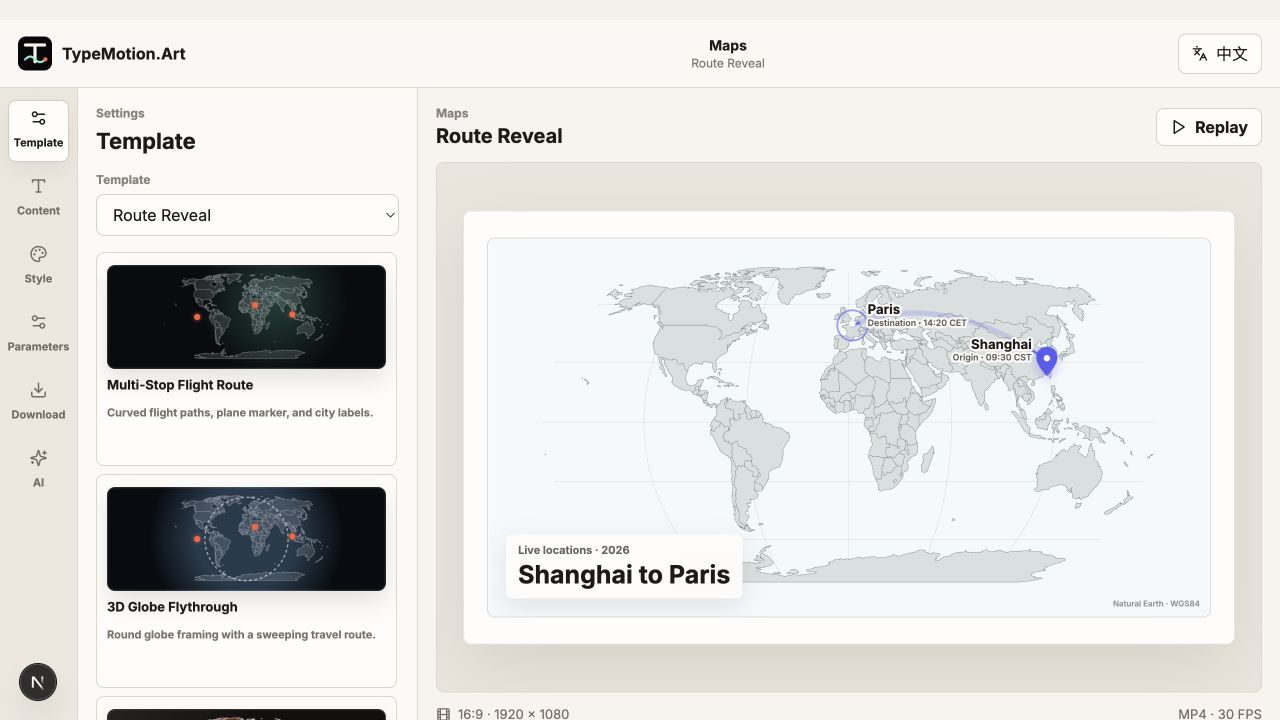
Create an animated map route with a drawing line and start and end pins. Customize Route Reveal for journeys, explainers, and travel videos.
 TypeMotion.Art
When to choose Route Reveal
Explaining a simple journey between places. For an itinerary with several stops and a plane marker, choose Multi-Stop Flight Route instead.
A starting example
Begin with a two-city journey such as Tokyo to Paris, using brief city labels and a separate trip title.
How to customize Route Reveal
- 01
Open Route Reveal and set the start and destination in the map editor.
- 02
Frame both locations clearly and choose route and label colors that contrast with the map.
- 03
Preview the line drawing from start to finish, then choose the video size and export.
Recommended use cases
Animate routes, destinations, place names, and dates for travel stories and city guides.
Use caseDocumentary Motion GraphicsAdd restrained titles, location context, sources, timelines, and data to documentary footage.
Related guides
Make an animated route map with a clear start, end, and only the stops the story needs. Edit the places in the browser and export the route.
Guide16:9 vs 9:16 Video SizeChoose landscape, vertical, square, or social video dimensions based on where and how people will watch.
More Animated Maps templates
Pin Drop is a customizable animated maps template. Edit the text, colors, motion, size, and export settings directly in your browser.
Animated MapsRegion PulseRegion Pulse is a customizable animated maps template. Edit the text, colors, motion, size, and export settings directly in your browser.
Animated MapsZoom TourZoom Tour is a customizable animated maps template. Edit the text, colors, motion, size, and export settings directly in your browser.
Animated MapsMulti-Stop Flight RouteAnimate a multi-stop flight route with curved paths, a plane marker, and city labels. Build an itinerary map for travel videos in your browser.
Animated Maps3D Globe Flythrough3D Globe Flythrough is a customizable animated maps template. Edit the text, colors, motion, size, and export settings directly in your browser.
Animated MapsCountry Flag FillCountry Flag Fill is a customizable animated maps template. Edit the text, colors, motion, size, and export settings directly in your browser.
Preview and customize in the browser. HD downloads require a Pro subscription. See plans.