Stacked word motion
Arrange up to four visible lines into a rhythmically shifting title composition.
 TypeMotion.Art
Build a rhythmic word stack from your own copy. The Kinetic Stack editor is ready to use below.
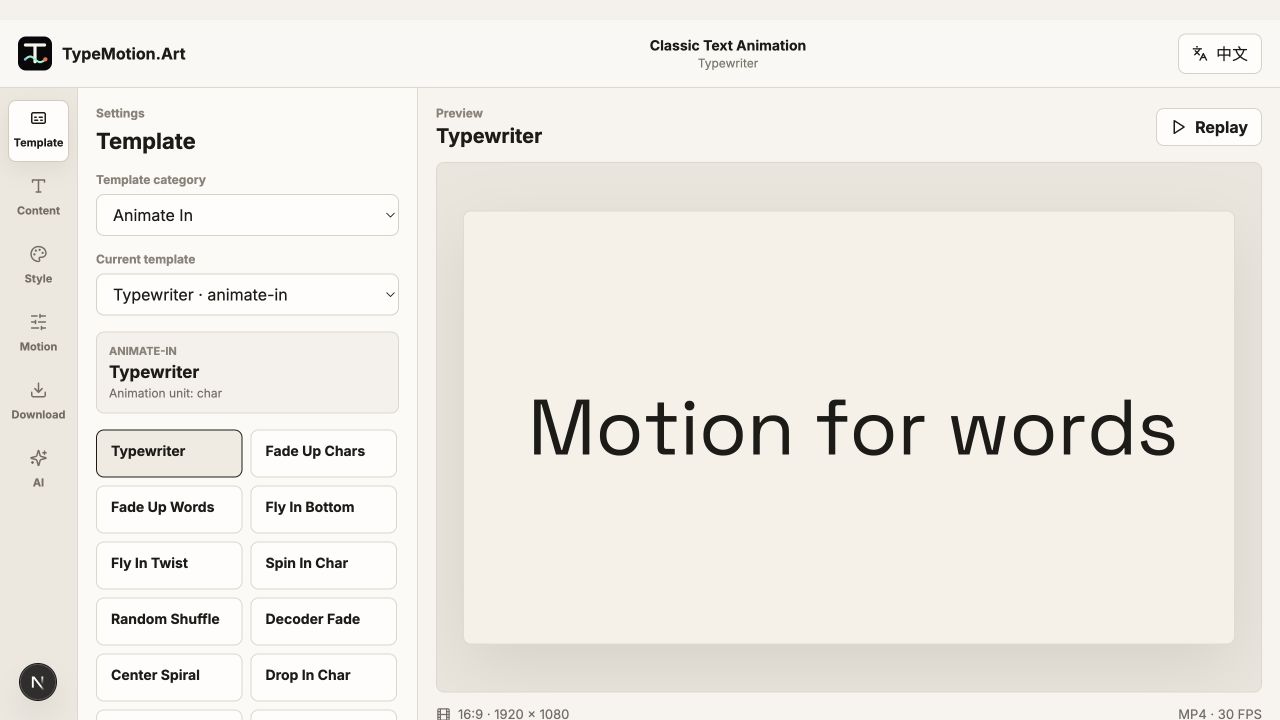
Kinetic typography works best with a few strong words. Use the editor to choose other text layouts without leaving the page.
TypeMotion.ArtKinetic typography uses movement, scale and timing to carry a message. It is most effective when each word has a job: introduce the idea, build momentum, or deliver the final emphasis.
This page opens the Kinetic Stack workspace with one phrase per line. Edit the words, tune intensity and stagger, then compare the motion in landscape and portrait frames before export.
Read the full making guide ↗Start in the editor above and inspect the result as you work.
Kinetic typography works best with a few strong words. Use the editor to choose other text layouts without leaving the page.
Play the whole animation to check legibility, entrance and exit timing, and the frame edges. Switch aspect ratios and review again if you need portrait or square output.
Choose size and format in Download. A Day Pass or subscription is required; check the rendered file in your target editor.
These capabilities are available in the current workspace.
Arrange up to four visible lines into a rhythmically shifting title composition.
Adjust how far the words move and how their entrances are offset.
Change copy, foreground, accent and background without rebuilding the animation.
Preview the layout at landscape, portrait, square and social aspect ratios.
Bring three short words on screen before the first cut.
Separate a launch promise into words that build toward the final benefit.
Use a compact word stack as a transition between sections.
Each card opens a working template editor.
Make one word turn and grow for a stronger punctuation point.
Customize template ↗The workspace exports rendered media, not a Premiere, CapCut or DaVinci Resolve project file.
A standard clip with its background, suitable for a full-frame graphic or non-transparent element on a timeline.
Choose a transparent background for WebM with alpha. Check that your destination editor supports the format and transparency.
A ProRes 4444 file with alpha for Premiere, DaVinci Resolve, and Final Cut. It is a rendered clip, not an editable project. Currently limited to 1080p, 30 FPS, and 8 seconds.
Replaces the canvas background with pure green (#00FF00), then exports an MP4. Use it in CapCut, 剪映 and other editors that key out green. Graphics using that same green are removed too.
GIF suits a short loop; PNG is a still frame. Neither is an editable text project with a timeline.
Answers about the controls and limits of the current product.
It is text whose movement and timing help communicate the message, often in titles, explainers and social video.
Yes. Edit the words and motion controls in the browser, then export a rendered clip for your video edit.
Start with two to four short lines. Long sentences crowd a fast-moving composition and are harder to read on phones.
Yes. The text workspace includes other motion templates; the related templates below are a few useful alternatives.
Replace the sample content, review the whole preview, then choose an export format for your edit.
Back to the editor ↗Choose another motion format and keep editing in your browser.