Decoder Fade Text Animation Template
Create a decoding text reveal that resolves into readable letters. Customize the Decoder Fade preset for technology titles and short announcements.
 TypeMotion.Art
When to choose Decoder Fade
Technology intros and mystery reveals where resolving the message is part of the effect. Use a typewriter preset instead when each new character should be readable immediately.
A starting example
Use ‘SIGNAL FOUND’ as a compact reveal, then compare it with a longer phrase to see how density changes legibility.
How to customize Decoder Fade
- 01
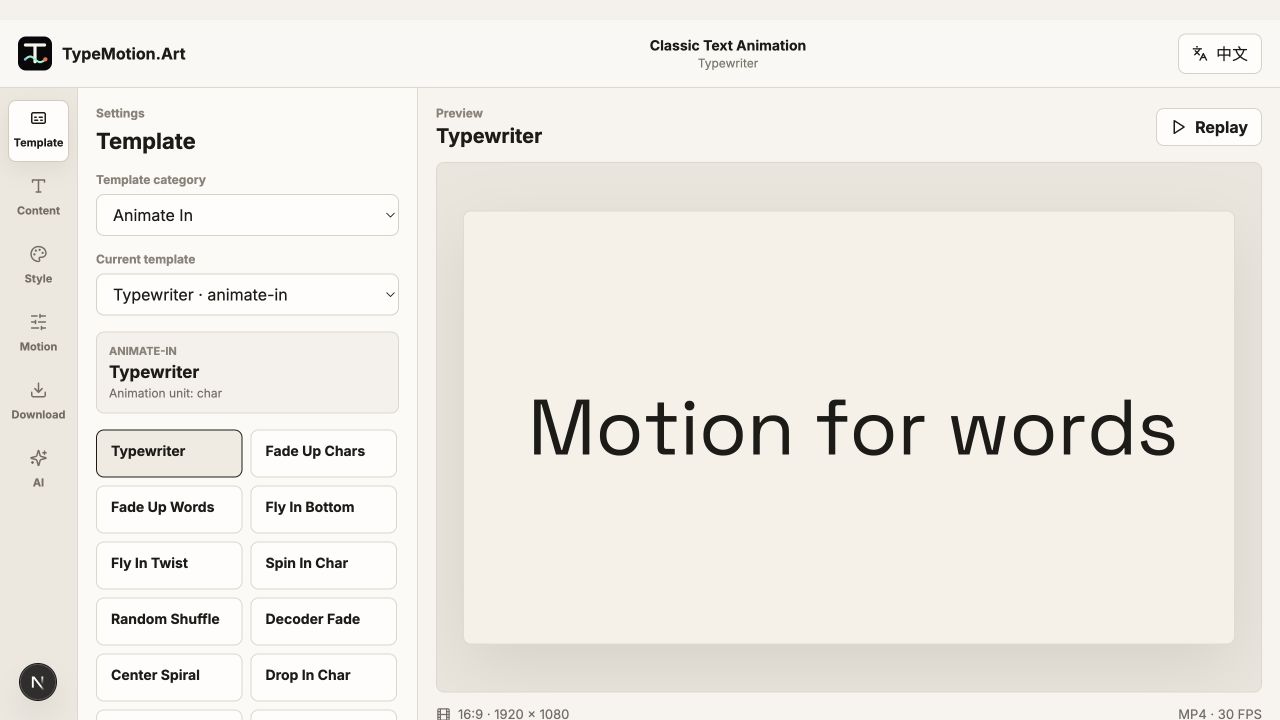
Open Decoder Fade and replace the sample copy with a short headline.
- 02
Set contrasting text and background colors, then adjust speed until the resolved headline is easy to read.
- 03
Choose the output size and preview at that viewing size before exporting.
Recommended use cases
Build a clear, branded YouTube intro with animated titles and kinetic typography.
Use caseAnimated Captions for Social MediaCreate readable, attention-holding captions for reels, shorts, and vertical social videos.
Use caseExplainer Video GraphicsCombine animated text, diagrams, charts, chapters, and citations into a structured explainer.
Use caseOnline Course Video GraphicsCreate chapters, speaker IDs, captions, diagrams, and summaries for clear instructional videos.
Related guides
A practical workflow for making readable, polished text animation in the browser.
GuideTypeMotion Plugin vs TypeMotion.Art: Which Do You Need?Looking for a TypeMotion plugin? Compare Colden's separate Adobe product, the TypeMotion.Art After Effects beta, and the browser studio.
More Text Animation templates
Center Spiral is a classic animate-in text animation preset with editable typography, timing, colors, and video size.
Text AnimationDrop In CharDrop In Char is a classic animate-in text animation preset with editable typography, timing, colors, and video size.
Text AnimationStretch WordStretch Word is a classic animate-in text animation preset with editable typography, timing, colors, and video size.
Text AnimationWipe CenterWipe Center is a classic animate-in text animation preset with editable typography, timing, colors, and video size.
Text AnimationMagnetic TextMagnetic Text is a classic mechanical text animation preset with editable typography, timing, colors, and video size.
Text AnimationMagazine LettersMagazine Letters is a classic mechanical text animation preset with editable typography, timing, colors, and video size.
Preview and customize in the browser. HD downloads require a Pro subscription. See plans.