Blur Text Scroller Kinetic Text Template
Animate scrolling text with a blur treatment using Blur Text Scroller. Customize short word sequences for kinetic headlines and looping text visuals.
 TypeMotion.Art
When to choose Blur Text Scroller
A sequence in which motion between entries is part of the design. Essential instructions need a clear reading state; avoid using blurred transitions to carry fine detail.
A starting example
Try a short sequence such as THINK, MAKE, SHARE. Keep the words similar in length so the scrolling rhythm stays visually balanced.
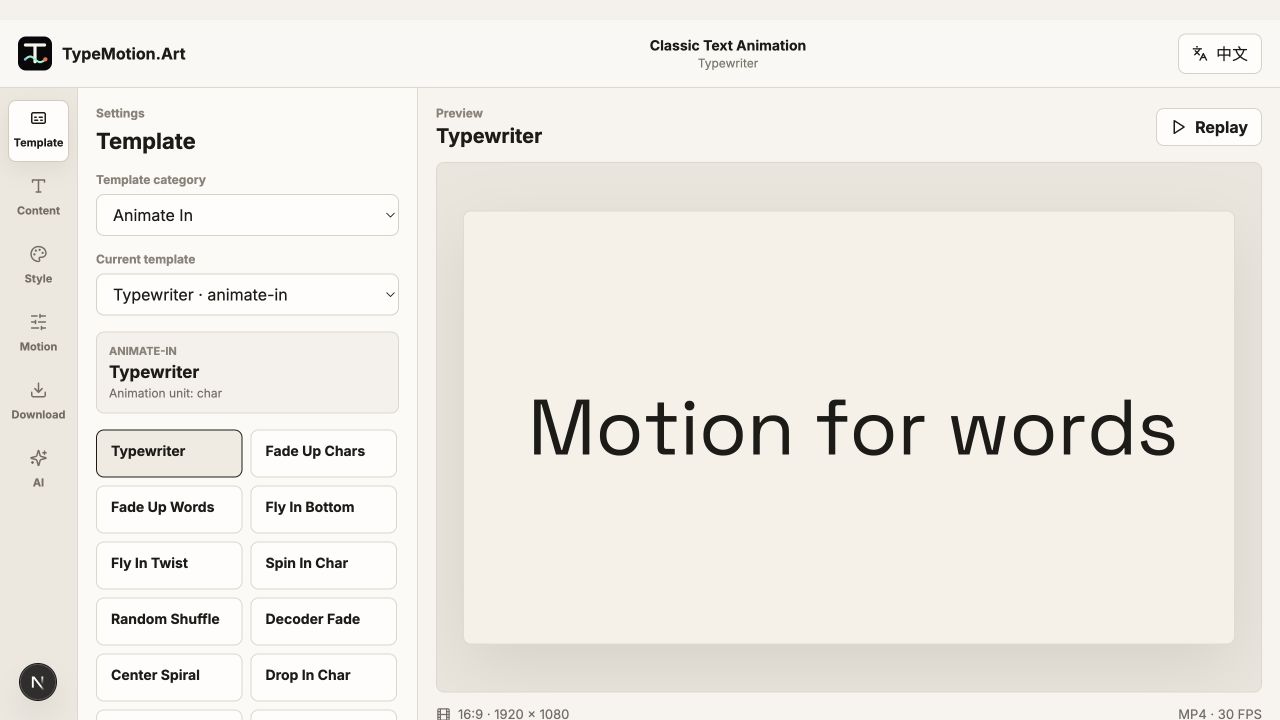
How to customize Blur Text Scroller
- 01
Replace the sample entries with a small set of related words.
- 02
Preview the full sequence and check which words become clear between transitions. Adjust motion and typography for readability.
- 03
Choose the final size and review the downloaded result, including the transition from the last entry to the first.
Recommended use cases
Create readable, attention-holding captions for reels, shorts, and vertical social videos.
Use casePodcast Quote Video MakerTurn a strong podcast idea into a shareable animated quote clip.
Use caseTravel Route Video MakerAnimate routes, destinations, place names, and dates for travel stories and city guides.
Use caseProduct Promo Video MakerPresent product benefits, prices, promotions, and calls to action with clear motion hierarchy.
Related guides
Plan, animate, and export kinetic typography that follows meaning instead of adding random motion.
GuideKinetic Typography Without After EffectsMake kinetic typography in the browser when you do not want an After Effects project. Start from a template, replace the words, and export.
More Kinetic Text templates
Bouncy Words is a customizable kinetic text template. Edit the text, colors, motion, size, and export settings directly in your browser.
Kinetic TextInflating TextInflating Text is a customizable kinetic text template. Edit the text, colors, motion, size, and export settings directly in your browser.
Kinetic TextGlitch Text RevealReveal a headline with RGB separation and jitter using the Glitch Text Reveal template. Edit the text, colors, typography, and export size online.
Kinetic TextText ScrambleText Scramble is a customizable kinetic text template. Edit the text, colors, motion, size, and export settings directly in your browser.
Kinetic TextCascading TextCascade a short line into place. Edit the words, stagger, and canvas size, then preview the motion in the browser.
Kinetic TextElastic TextElastic Text is a customizable kinetic text template. Edit the text, colors, motion, size, and export settings directly in your browser.
Preview and customize in the browser. HD downloads require a Pro subscription. See plans.