Fade Up Text Animation
Reveal a sentence word by word with an upward fade. Customize Fade Up Words for readable explanations, captions, and understated video headings.
 TypeMotion.Art
When to choose Fade Up Words
Phrases where whole words should appear together. Compared with revealing every character separately, a word fade gives viewers larger units to read at each step.
A starting example
Try SMALL STEPS, CLEAR IDEAS. Keep a comfortable line length and check that the final words have enough time to be read.
How to customize Fade Up Words
- 01
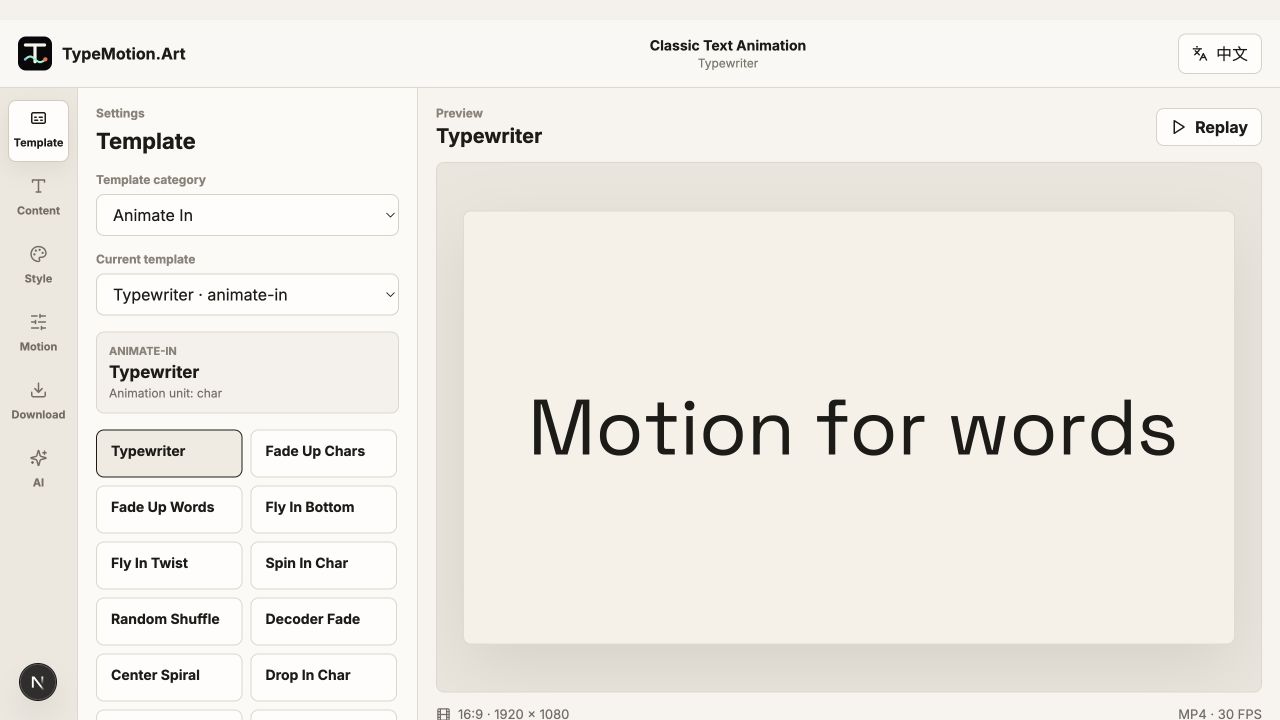
Select Fade Up Words and replace the sample text with a short phrase.
- 02
Choose a legible font and contrasting background, then adjust the reveal timing while reading the full phrase.
- 03
Review the start and the finished sentence at the intended video size before exporting.
Recommended use cases
Build a clear, branded YouTube intro with animated titles and kinetic typography.
Use caseAnimated Captions for Social MediaCreate readable, attention-holding captions for reels, shorts, and vertical social videos.
Use caseExplainer Video GraphicsCombine animated text, diagrams, charts, chapters, and citations into a structured explainer.
Use caseOnline Course Video GraphicsCreate chapters, speaker IDs, captions, diagrams, and summaries for clear instructional videos.
Related guides
A practical workflow for making readable, polished text animation in the browser.
GuideTypeMotion Plugin vs TypeMotion.Art: Which Do You Need?Looking for a TypeMotion plugin? Compare Colden's separate Adobe product, the TypeMotion.Art After Effects beta, and the browser studio.
More Text Animation templates
Fly In Bottom is a classic animate-in text animation preset with editable typography, timing, colors, and video size.
Text AnimationFly In TwistFly In Twist is a classic animate-in text animation preset with editable typography, timing, colors, and video size.
Text AnimationSpin In CharSpin In Char is a classic animate-in text animation preset with editable typography, timing, colors, and video size.
Text AnimationRandom ShuffleShuffle characters into a finished word. Use a short word so the final spelling is obvious when the shuffle stops.
Text AnimationDecoder FadeCreate a decoding text reveal that resolves into readable letters. Customize the Decoder Fade preset for technology titles and short announcements.
Text AnimationCenter SpiralCenter Spiral is a classic animate-in text animation preset with editable typography, timing, colors, and video size.
Preview and customize in the browser. HD downloads require a Pro subscription. See plans.